
Durametric version 6 · current manual
Save or print the Information view
- 01On the Choose Vehicle dialog, select the model, select Create work log for this session, and click OK. The work log saves Information as an HTML file.
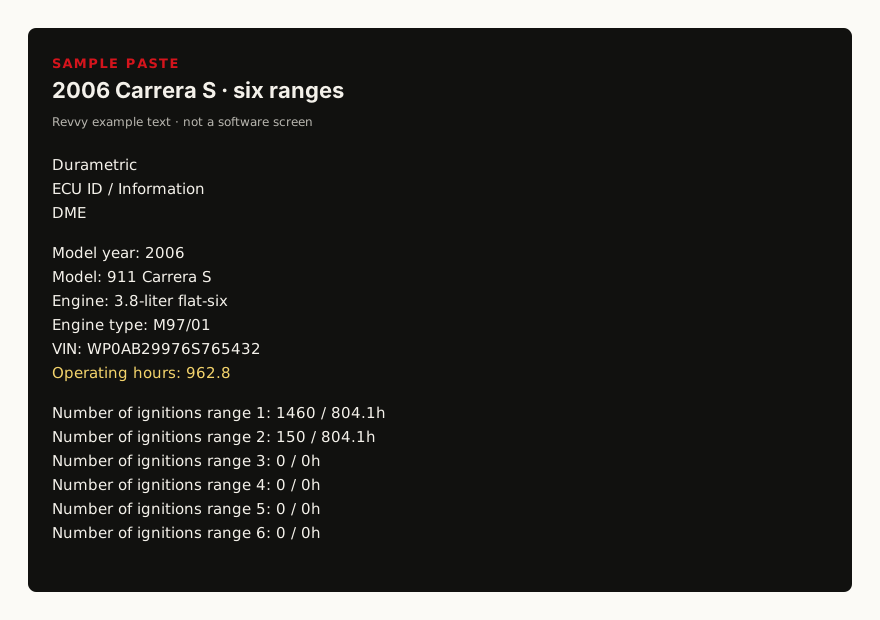
- 02In the left-hand pane, open the control unit and click Information. Durametric’s ECU Information page says that screen shows the ignition ranges.
- 03With Information on screen, choose File, then Print. Print sends the current view to the default printer. The Print icon prints the current page.
- 04To open the saved readout, choose File, then Open Work Log. Select the log and click Open.